How to Investigate Unexpected SQL Server Data Changes Using Transaction Logs
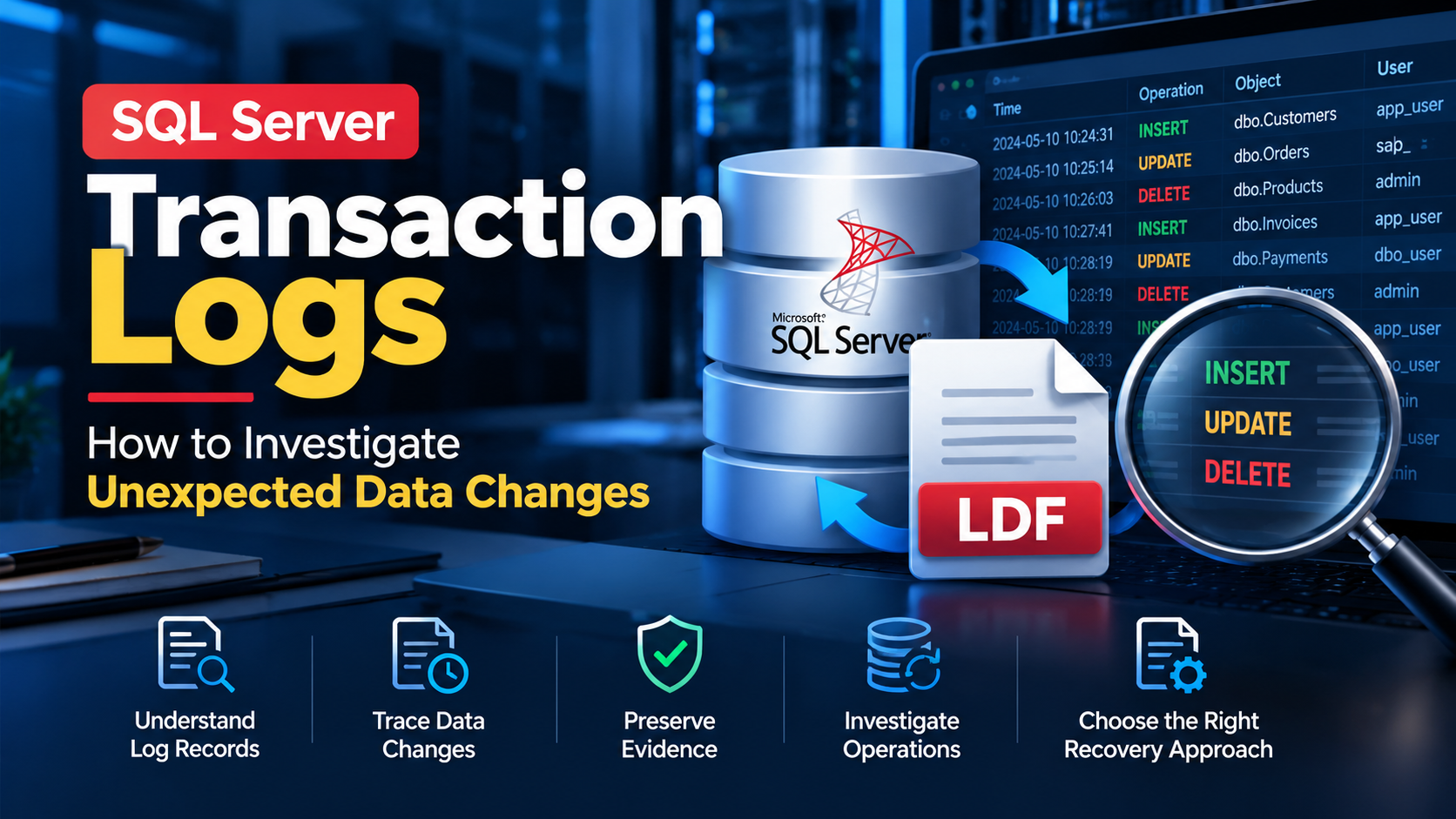
A database record disappears. A customer table contains an unexpected update. An application changes values that nobody remembers modifying. For a SQL Server administrator, investigating these situations can be difficult, especially when the available evidence is limited.
One place to investigate is the SQL Server transaction log. It records database modifications as part of SQL Server's transaction-processing and recovery mechanisms. Depending on the circumstances, the available log information may help an administrator understand what changed and investigate how the database reached its current state.
However, transaction logs are not a permanent, unlimited audit history. What can be recovered or examined depends on factors such as the database recovery model, log reuse, backups, the time elapsed since the change, and the available database files.
This guide explains how to approach an investigation systematically.
1. What is the SQL Server transaction log?
SQL Server databases generally use two important types of files:
- Data files: Usually
.mdfand.ndffiles, which store database objects and data. - Transaction log files: Usually
.ldffiles, which record the log information SQL Server needs for transaction processing and recovery.
The transaction log is essential for maintaining database consistency. It records the information SQL Server needs to recover transactions after failures and manage changes to the database.
A transaction log is not the same as a SQL Server error log. The error log records SQL Server events, warnings, and errors, whereas the transaction log contains information about database transactions.
This distinction matters when investigating an unexpected data change. The SQL Server error log may help explain what happened on the server, while transaction-log evidence may help investigate database modifications.
2. What kinds of changes can you investigate?
Depending on the available evidence and the tool or method used to examine it, transaction-log analysis may help investigate operations such as:
- INSERT: New records added to a table.
- UPDATE: Existing records modified.
- DELETE: Records removed from a table.
An investigation may also involve identifying transaction timing, affected tables, or the database activity associated with a change.
Do not assume that every transaction-log file will contain a complete, readable history of every past operation. SQL Server manages transaction-log space, and inactive portions may be reused. The evidence available for examination can therefore vary considerably.
If the investigation concerns a particular incident, document its approximate time, the affected database, relevant table names, and the symptoms reported by users or applications.
3. Start by identifying the database and the incident
Before opening files or running recovery operations, establish what you know about the incident.
Create a short checklist:
- Identify the affected SQL Server instance and database.
- Record the approximate time the unexpected change occurred.
- Determine which table or records may be involved.
- Check whether application logs, SQL Server auditing, Extended Events, or other monitoring systems captured relevant activity.
- Identify the database recovery model and the available database and transaction-log backups.
- Preserve the available evidence before attempting a repair or restore.
Existing auditing or application logs may provide clearer information about the person, application, or session responsible for a change. Transaction-log analysis should be considered alongside these sources rather than automatically replacing them.
If the incident may involve unauthorized access, follow your organization's evidence-preservation and incident-response procedures.
4. Check the database recovery model
The database recovery model affects how SQL Server manages transaction logging and which backup strategies are available.
The three main recovery models are:
| Recovery model | Key consideration |
|---|---|
| Simple | Log space can generally be reused after the relevant checkpoints, subject to other reuse requirements. Point-in-time recovery through transaction-log backups is not supported. |
| Full | Supports transaction-log backups and point-in-time recovery when the required backup chain is available and intact. |
| Bulk-logged | Minimizes logging for certain bulk operations; some point-in-time recovery scenarios are restricted when minimally logged operations are involved. |
You can inspect the recovery model of a database with this query:
SELECT
    name AS database_name,
    recovery_model_desc
FROM sys.databases
ORDER BY name;
This query reports the configured recovery model. It does not reveal which historical transactions remain available in a transaction-log file.
For more details, consult Microsoft's documentation on recovery models.
5. Can you investigate transaction history with SQL queries?
SQL Server provides several ways to investigate database activity, but each has limitations.
For example, the following query retrieves the currently available information from the default trace, if that trace is enabled and contains relevant events:
SELECT
    StartTime,
    DatabaseName,
    ObjectName,
    LoginName,
    ApplicationName,
    HostName,
    TextData
FROM sys.fn_trace_gettable(
    (
        SELECT TOP (1)
            path
        FROM sys.traces
        WHERE is_default = 1
    ),
    DEFAULT
)
ORDER BY StartTime DESC;
Important: This is an illustrative query, not a universal transaction-history solution. The default trace may be disabled or unavailable, and it does not capture every row-level INSERT, UPDATE, or DELETE operation. The query can also fail if the expected trace is not available. Validate the environment and test the query before relying on it during an incident.
Other options include SQL Server Audit, Extended Events, application logs, change-tracking mechanisms, and previously configured monitoring. These options differ in what they record and whether they were enabled before the incident.
If no suitable monitoring was configured beforehand, a complete historical account of the change may not be available through ordinary SQL queries.
6. What if the relevant transaction details are in an LDF file?
In some investigations, an administrator may have access to a SQL Server transaction-log file and its associated database files but may not have a straightforward way to examine the transaction details.
In that situation, a dedicated transaction-log analysis utility may be worth evaluating.
For example, SysTools SQL Log Analyzer is designed to examine SQL Server transaction-log files and present transaction information for investigation. According to the product documentation, its features include examining INSERT, UPDATE, and DELETE activity and exporting selected results in supported formats.
Before using any third-party utility, check its requirements and limitations. The associated database file may be needed to interpret log records, and not every LDF file contains all the historical information an investigator wants. A tool should not be assumed to reconstruct transactions that are no longer available.
If you are evaluating a tool, use a copy of the relevant files where possible, verify the output, and compare the findings against other available evidence. For critical incidents, preserve the original files and follow your organization's recovery and forensic procedures.
7. Can transaction-log analysis recover deleted records?
Sometimes, transaction-log evidence can contribute to recovering or reconstructing data. However, the result depends on the circumstances.
Consider these questions:
- Is the relevant transaction information still available?
- Are the required database files present?
- Were log records reused or removed from the active log?
- Is there a usable database or transaction-log backup?
- Can the identified records be validated against a trusted source?
- Does the chosen recovery method preserve the surrounding database relationships and business rules?
A transaction log should not be treated as a guaranteed undelete mechanism. If the goal is to restore a database to a particular point in time, a properly maintained backup chain may provide a more predictable recovery path.
Avoid experimenting on the only available copy of a damaged database or log file. Preserve the original evidence, test the procedure separately, and validate any recovered records before returning them to production.
8. How to prevent similar investigations from becoming difficult
The easiest transaction-log investigation is one supported by good operational practices.
Configure appropriate auditing. Where accountability is important, determine whether SQL Server Audit or another approved monitoring mechanism should record the required activity.
Maintain a tested backup strategy. Choose recovery models and backup schedules according to your recovery-point and recovery-time objectives.
Monitor database changes. For important tables, use suitable auditing or application-level logging rather than relying on the transaction log as a permanent audit trail.
Protect evidence. Establish procedures for preserving database files, logs, timestamps, and related system records during an incident.
Test recovery procedures. Periodically validate that backups can be restored and that recovered records meet application-level requirements.
These measures improve the chances of understanding an incident and making a reliable recovery decision.
Conclusion
When unexpected SQL Server data changes occur, begin by defining the incident, preserving available evidence, and checking the database's recovery and monitoring configuration.
Use auditing, application logs, backups, and transaction-log analysis together where appropriate. If an LDF file needs closer examination, verify that the required files and transaction information are available before selecting an analysis or recovery tool.
The most important principle is to distinguish what the evidence actually proves from what you suspect happened. A careful investigation is more valuable than assuming every deleted or modified record can be recovered.
Comments
Join the discussionNo comments yet. Be the first to comment.
SQL Server Troubleshooting & Recovery
Practical SQL Server guides covering database troubleshooting, transaction log analysis, corruption diagnosis, backup and recovery strategies, and data integrity. Learn how to investigate common database problems, choose appropriate recovery methods, and follow reliable practices for protecting critical data.